Chat & Tasks
Chat is the primary interaction mode for MindFront. We support text and voice input, with accurate, fast transcription.
To use MindFront, you will primarily be chatting with MindFront to accomplish Tasks.
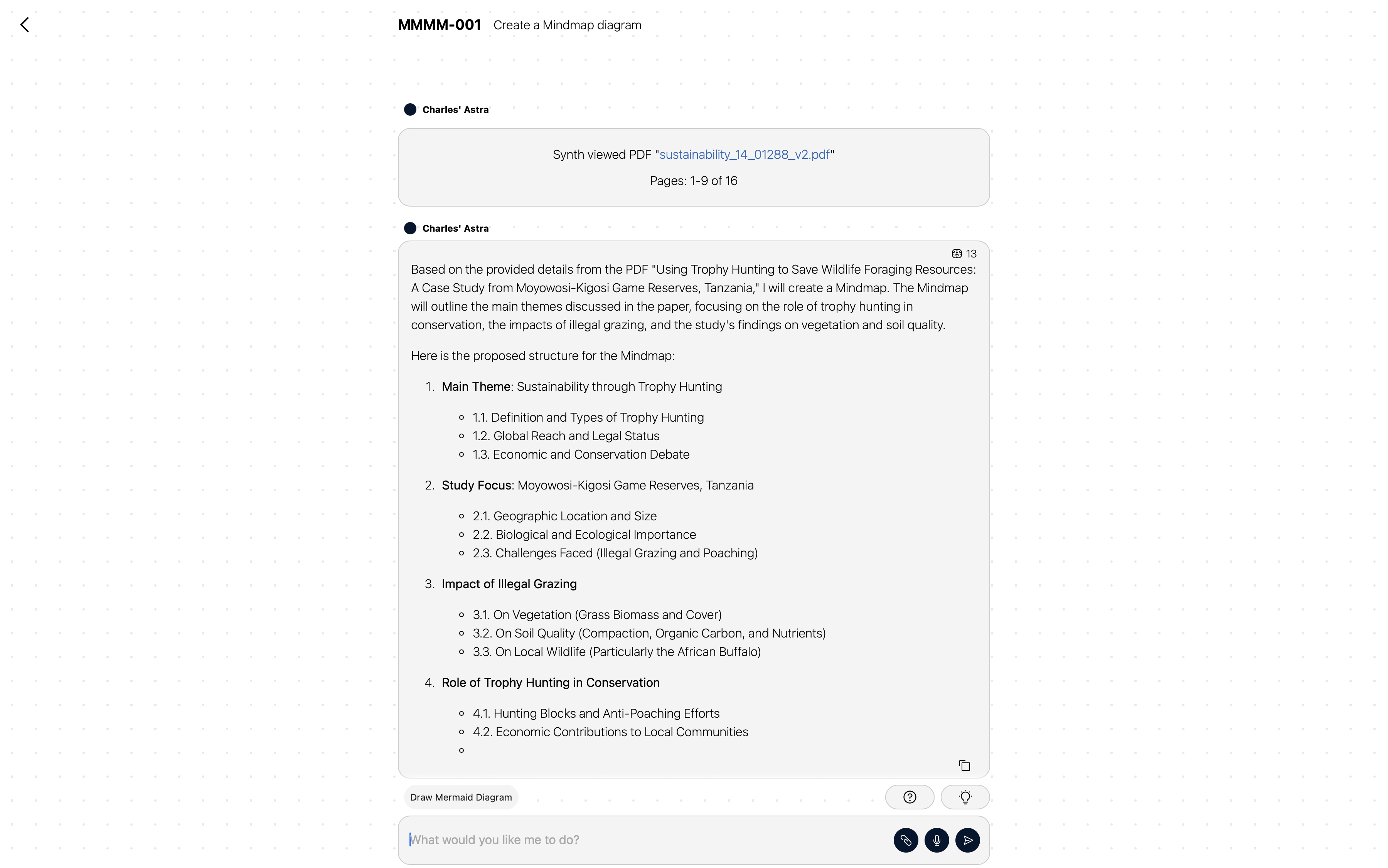
A significant unique feature is that chats in MindFront can take place with multiple users in the same conversation with MindFront. This allows multi-user collaboration on AI-powered tasks.
Tasks
Tasks are a more structured way of working with MindFront. They form the core ‘unit of work’ within the system and are the container for conversations, actions, and outcomes.
Tasks are created in two ways: directly by a user starting a chat, or reactively in response to a business event, such as a new email or a CRM update.
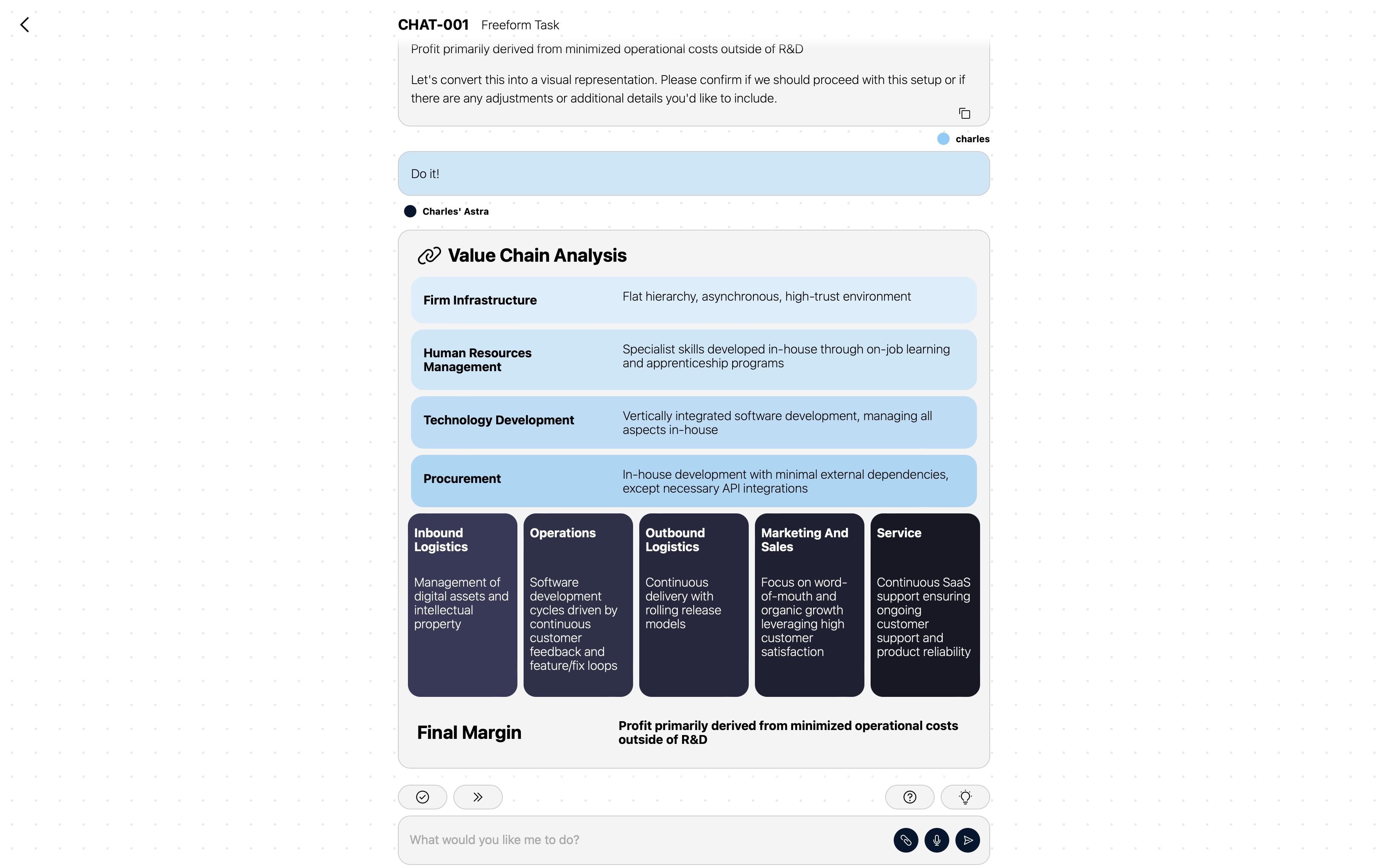
MindFront can, with varying degrees of autonomy, often accomplish tasks entirely on its own by executing a series of Actions.
Drafts & Approval
When MindFront needs to perform an action that interacts with the outside world—like sending an email or updating a CRM record—it will first prepare a Draft.
A Draft is a proposal of the action to be taken. It is presented for review to the users on the conversation, and any team member granted access. They can approve as-is, edit before approving, or reject and give MindFront new instructions. This “human-in-the-loop” workflow ensures that you always have final control over the AI’s actions. See Teams & Access for how approver routing works.
Example Task process for Email
- A new customer query arrives via Email, creating a reactive Task.
- MindFront analyzes the email and decides to reply.
- MindFront uses its available knowledge and tools to compose a response.
- Because sending an email is an external action, MindFront prepares a Draft, containing the proposed reply. This alerts the users that a task needs review.
- A Human user reviews the draft. They can approve it as-is, edit the content, or give MindFront new instructions.
- When the Human is satisfied, they approve the draft.
- The draft now executes, sending the email reply to the customer.
- The Task is now complete.